Installation Walkthrough
Swipe or tap arrows to navigate
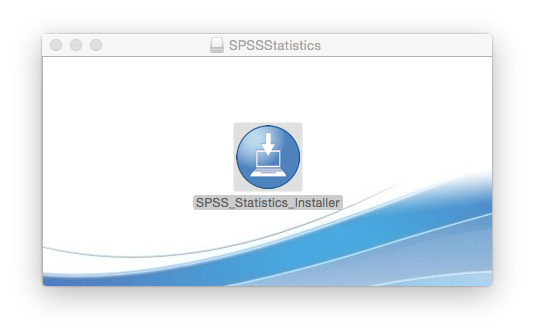
Open the Installer file
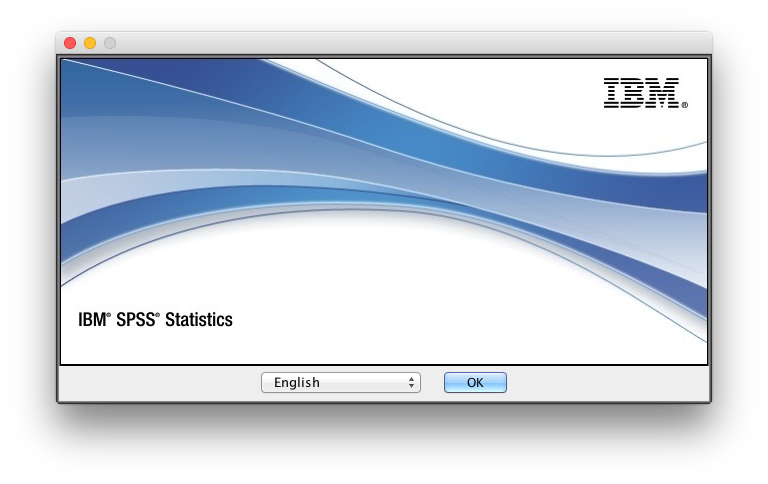
Select preferred language.
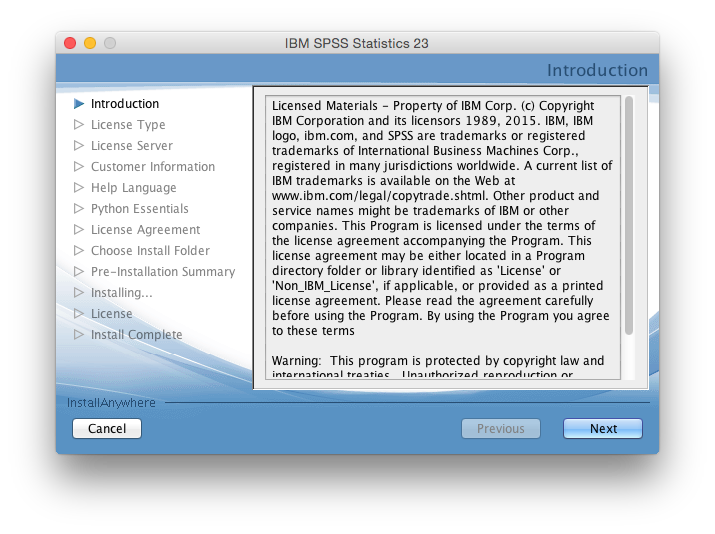
Read the Introduction if needed, and click on "Next".
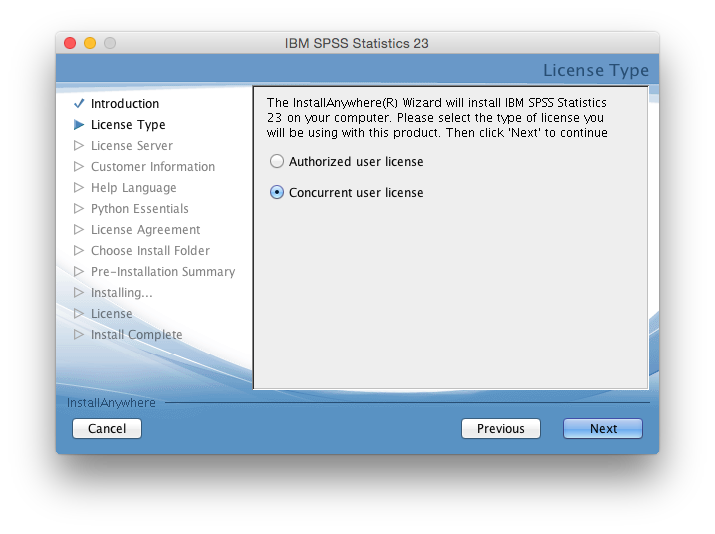
Select "Concurrent License" in the License Wizard.
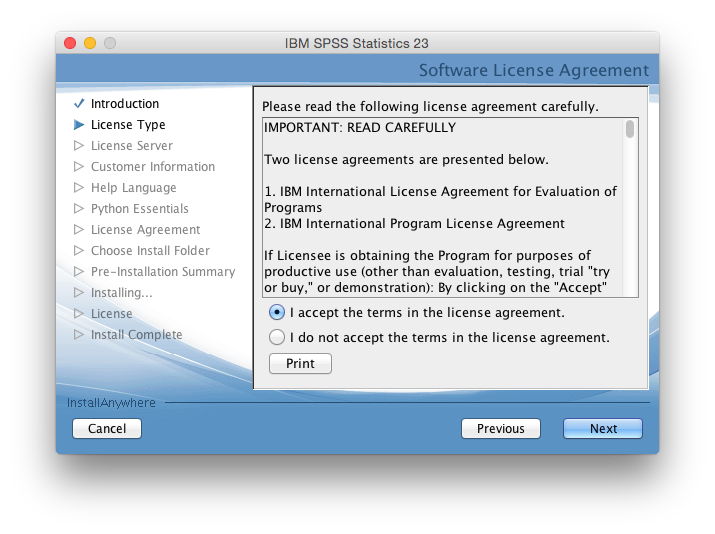
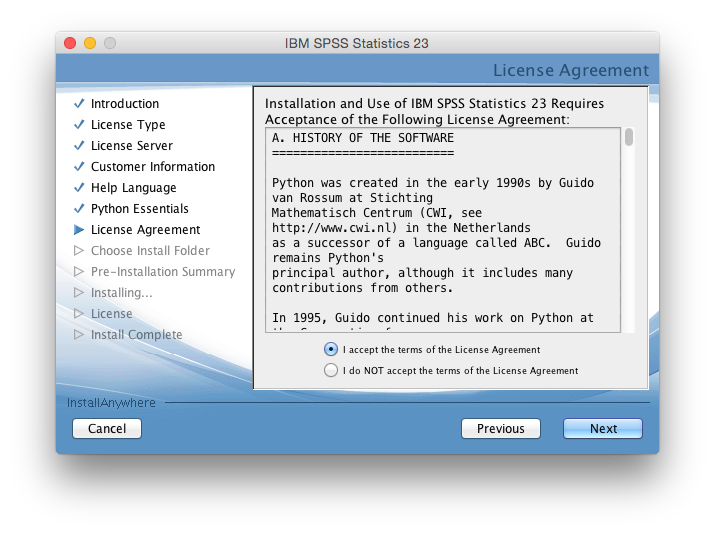
Agree the Software license terms, and click "Next" to continue.
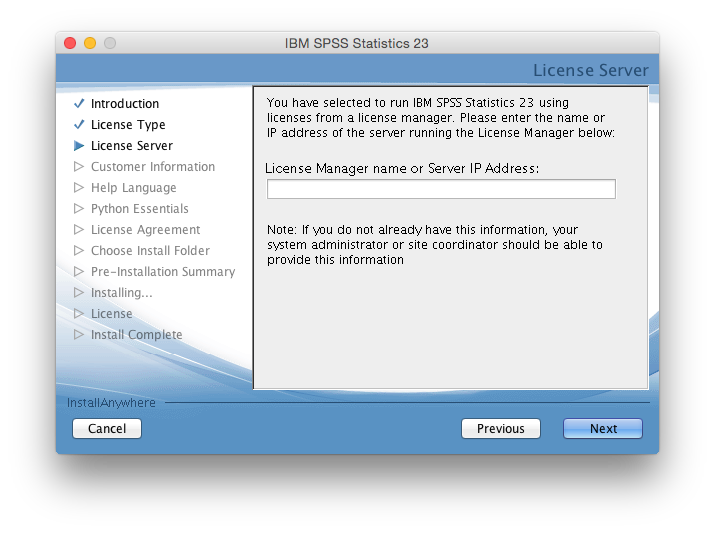
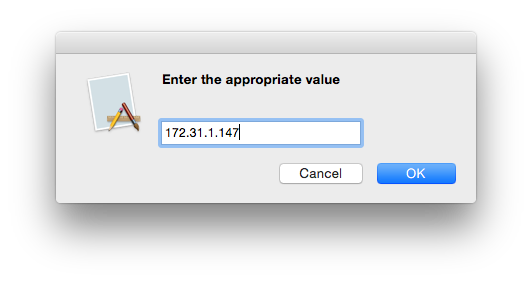
Input the "License Manager Server" IP Address in the Server IP Address box (License Manager Server for IIT Campus is "172.31.1.147") & click on "Next".
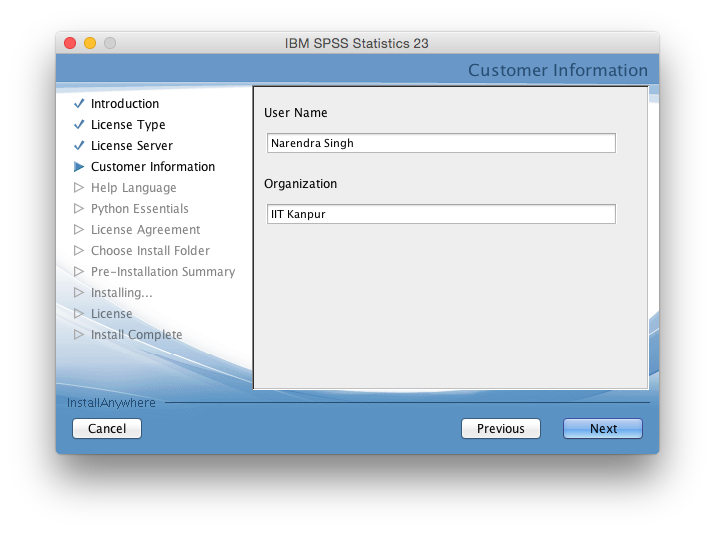
Enter your name and organization as "IIT Kanpur".
Select additional language help, if needed and click "Next" to continue.

Install SPSS Python Essentials, if needed and click "Next" to continue.
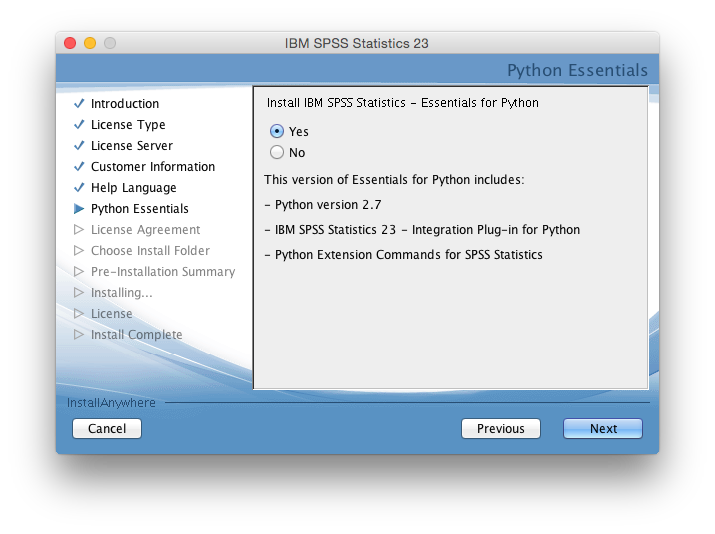
Agree the Software license terms, and click "Next" to continue.
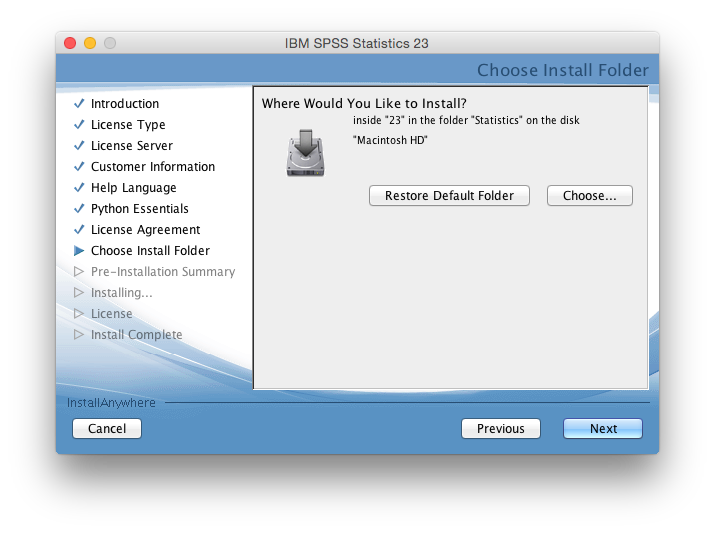
Select Installation Location, and click "Next" to continue.
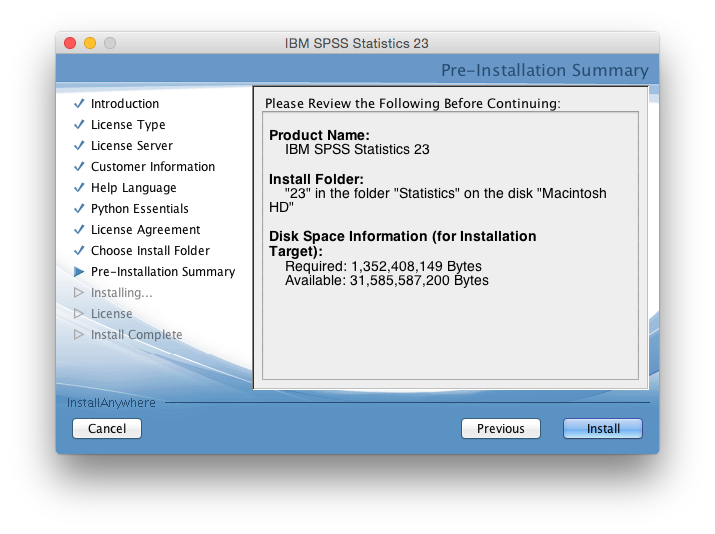
Click "Install" to continue installation.
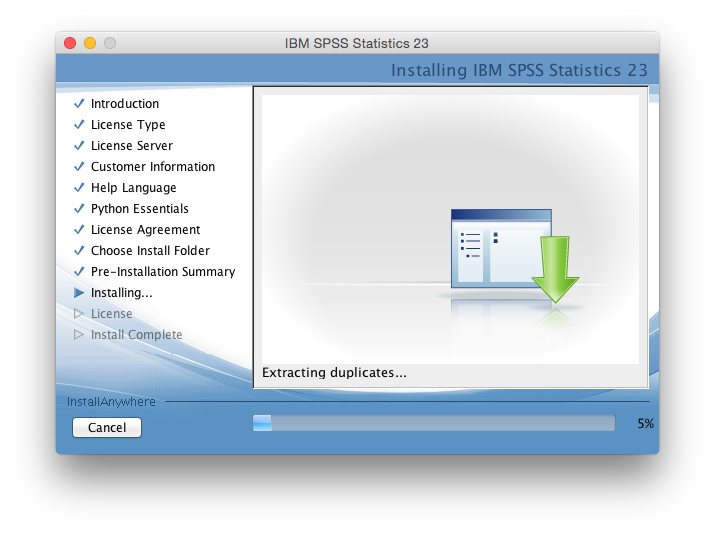
Wait for it to complete the installation.
Click "Done" to continue.
SPSS 23.0 is Installed!
You can now use SPSS 23.0.
SPSS 23.0 is now installed.