Important Note
It is recommended to disable Remote Desktop Protocol (RDP) on your Windows PC to enhance security.
Activation Walkthrough
Swipe or tap arrows to navigate
Step 1
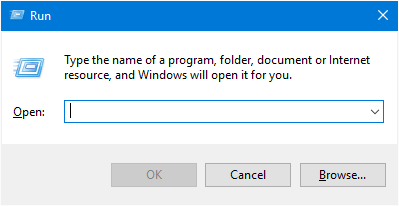
Press Windows Key  + R to
open the Run dialog box.
+ R to
open the Run dialog box.
Step 2
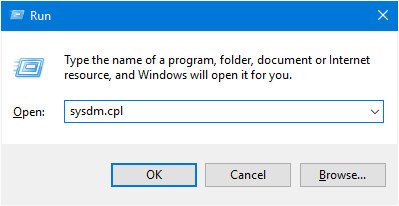
Type sysdm.cpl and click OK to open System Properties.
Step 3
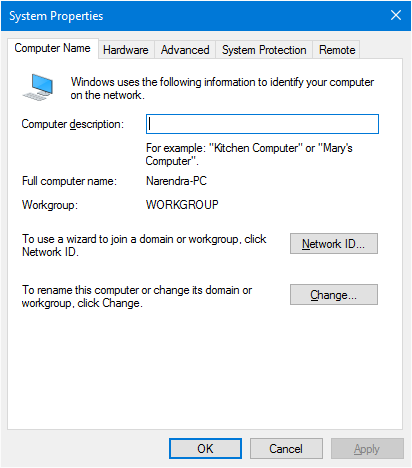
Select the Remote tab.
Step 4
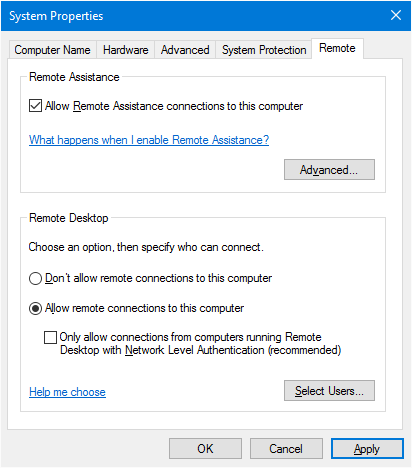
Select "Allow remote connections to this computer" to enable Remote Desktop.
RDP is Enabled!
You can now connect to this computer remotely.
Done
Remote Desktop is now enabled.