Initial Browser Configuration
Open Internet Explorer, navigate to Tools -> Internet Options -> Connections -> LAN Settings.
Ensure that both "Automatically detect settings" and "Use a proxy server for your LAN" are unchecked. Click OK to save the changes.
Campus Gateways
In IIT Kanpur, the No-Proxy connection is configured through Fortinet gateways. Browse gateway.iitk.ac.in:1003/login? to open the noproxy login page.
Fortinet Gateway Authentication
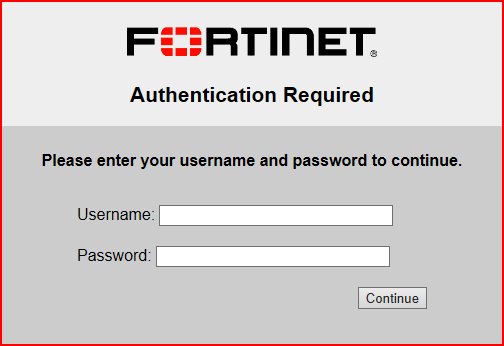
If your network uses the Fortinet gateway, the following screen will appear in your browser. Enter your username and password, then click "Continue".
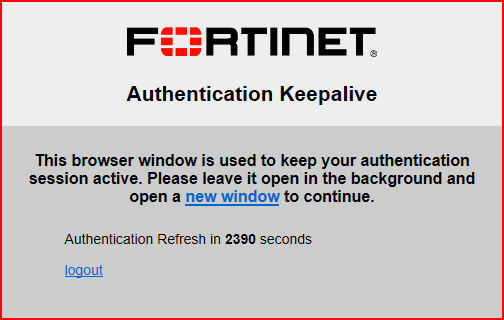
Do not close the authentication window until you are finished with your work.
Verify Connection
To verify your no-proxy connection, open the Command Prompt (cmd.exe) and run the command
ping www.google.com. A successful connection will show replies like this:
Pinging www.l.google.com [74.125.236.50] with 32 bytes of data:
Reply from 74.125.236.50: bytes=32 time=65ms TTL=55
Reply from 74.125.236.50: bytes=32 time=66ms TTL=55
...