Getting Started
The Abaqus 2026 software is available for download from the CC FTP Site.
Download Abaqus 2026
Extract the zipped file to a local drive (e.g., D:\).
How to run Abaqus/CAE
To Run Abaqus: Open Start Menu and search for "Abaqus/CAE".
Installation Walkthrough
Swipe or tap arrows to navigate
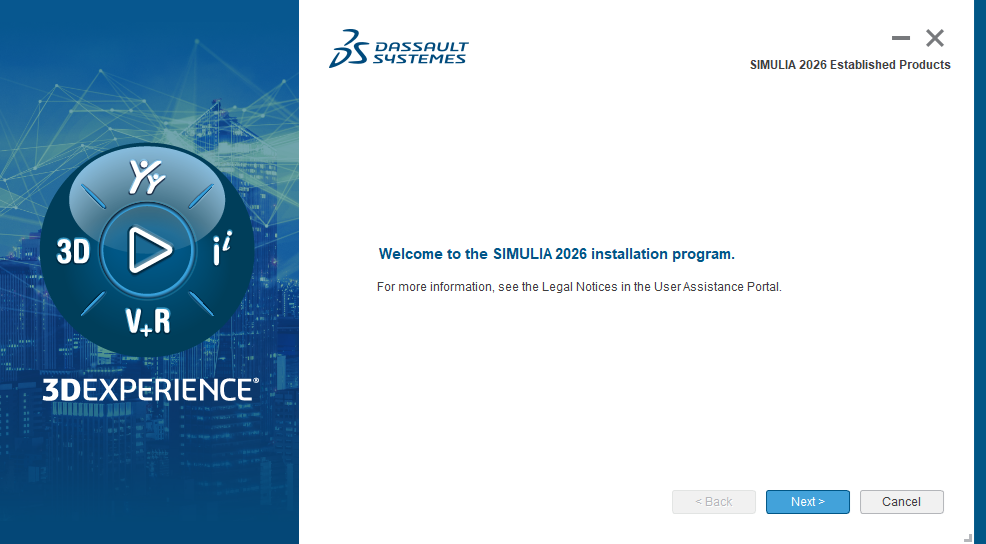
Go to the extracted folder D:\AM_SIM_Abaqus_Extend.AllOS_2026\ and
run setup.exe. Click "Next".
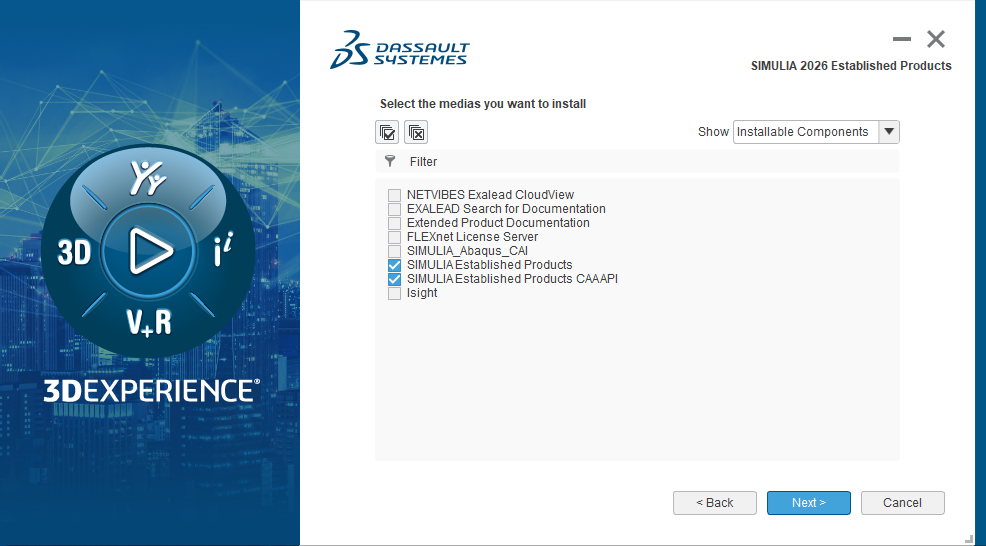
Proceed with the selected products shown on screen and click "Next".
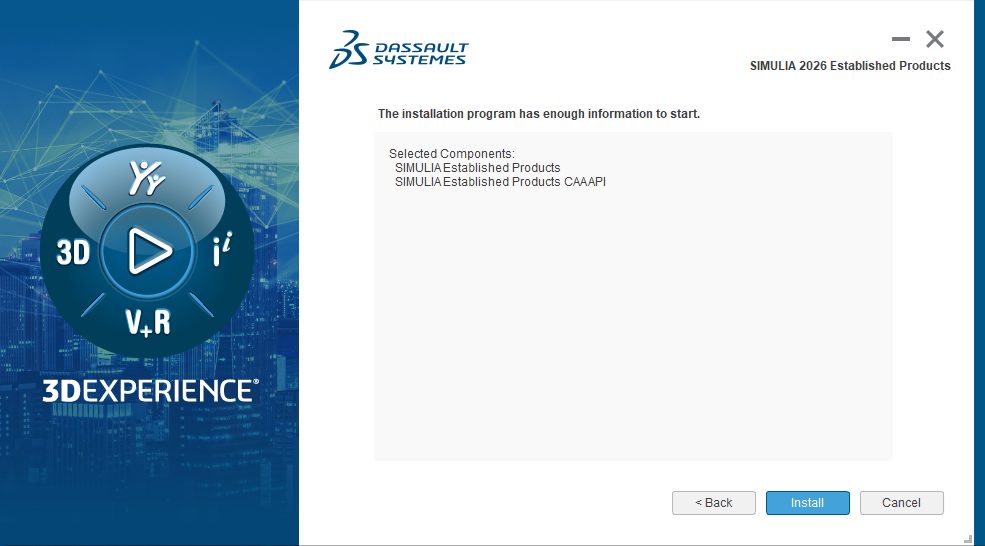
Click on the "Install" button to begin the initial phase.
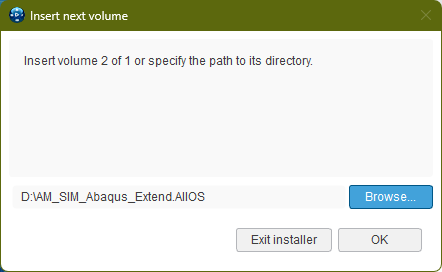
Click "Browse", select the installer file path if prompted, and click "OK".
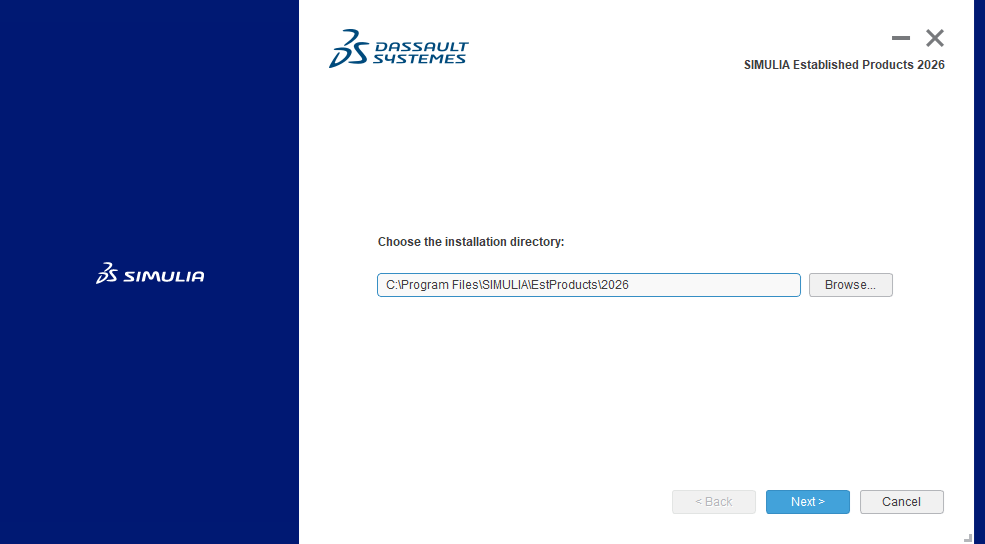
Click on the "Next" button.
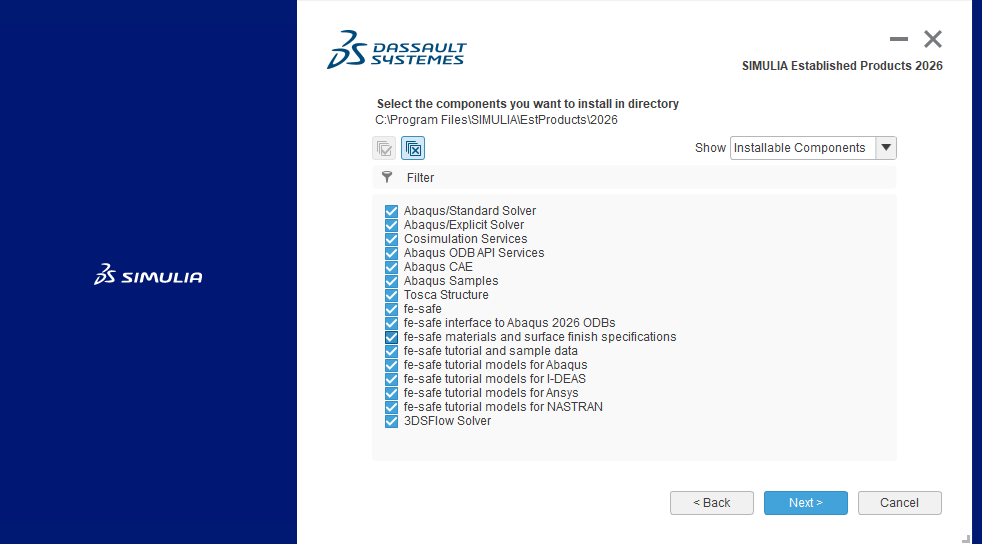
Select the required products from the list and click "Next".
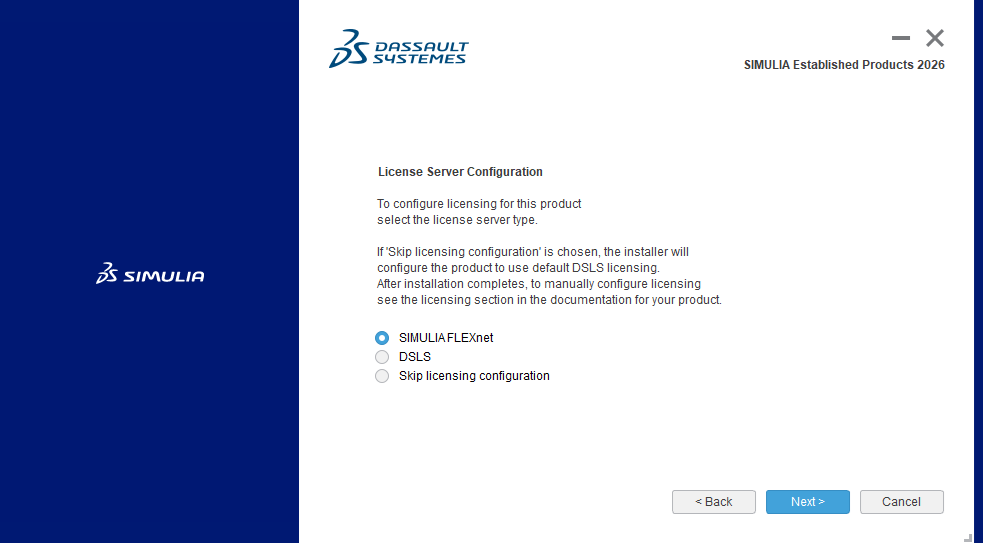
Continue by clicking "Next".
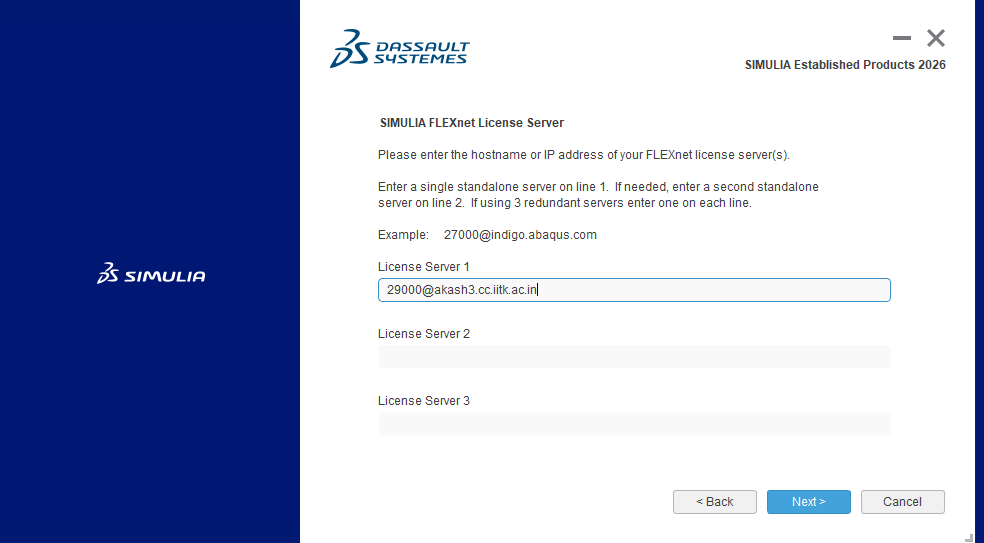
Specify License Server: 29000@akash3.cc.iitk.ac.in and click
"Next".
Campus Network
Connectivity is required. Ensure DNS
Suffixes are configured.
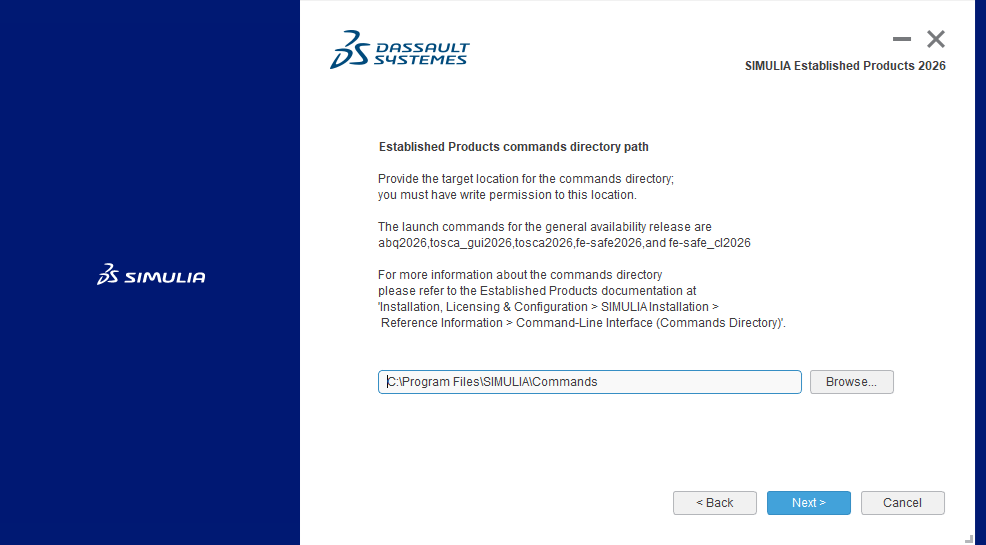
Click "Next".
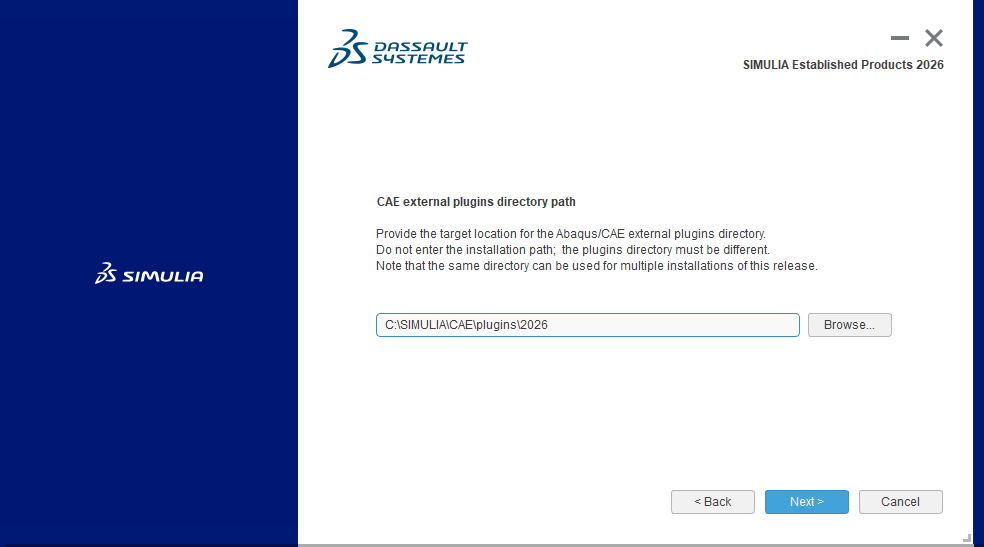
Click "Next".
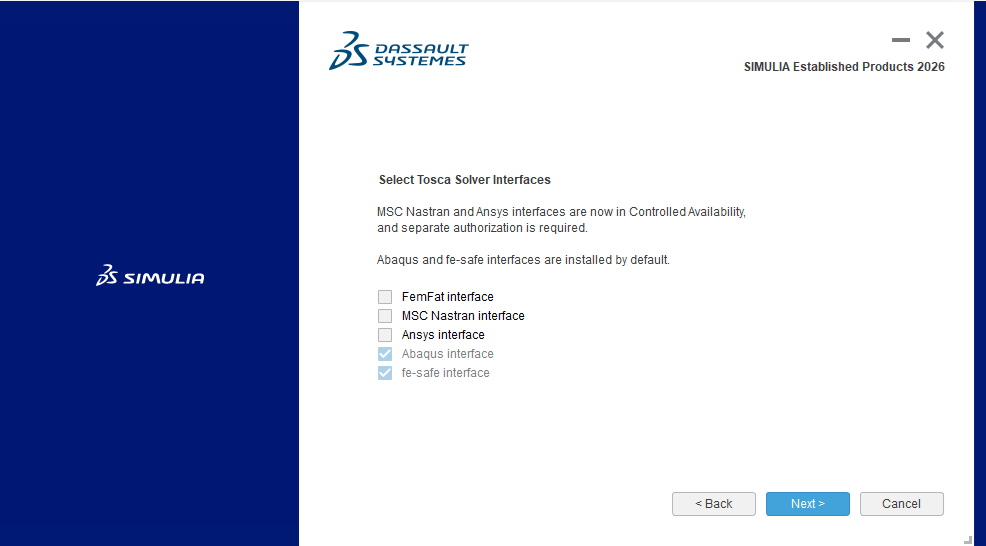
Click "Next".
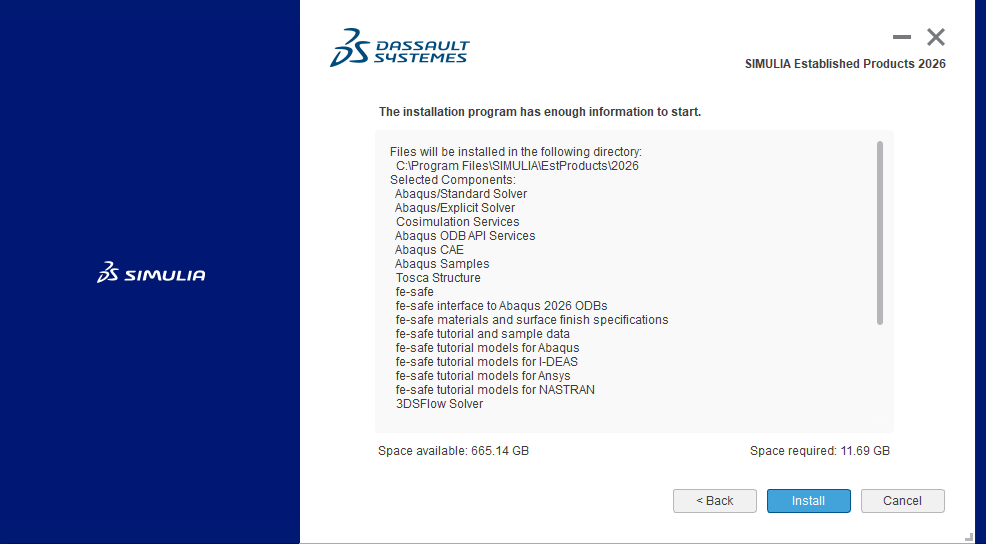
Click "Install".
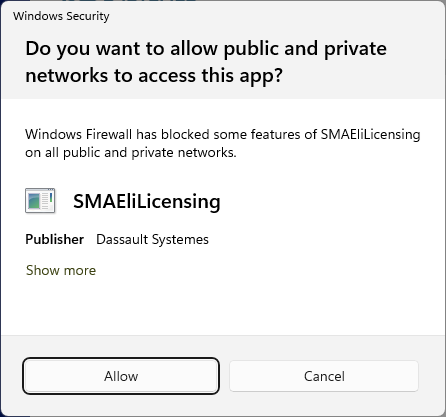
Click "Allow".
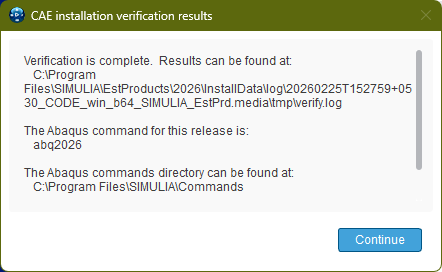
Click "Continue".
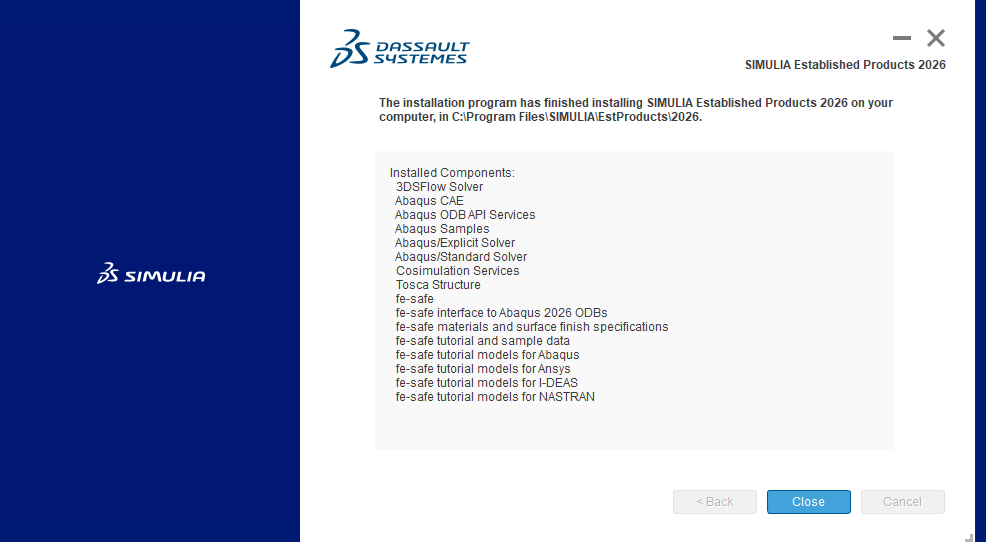
Close.
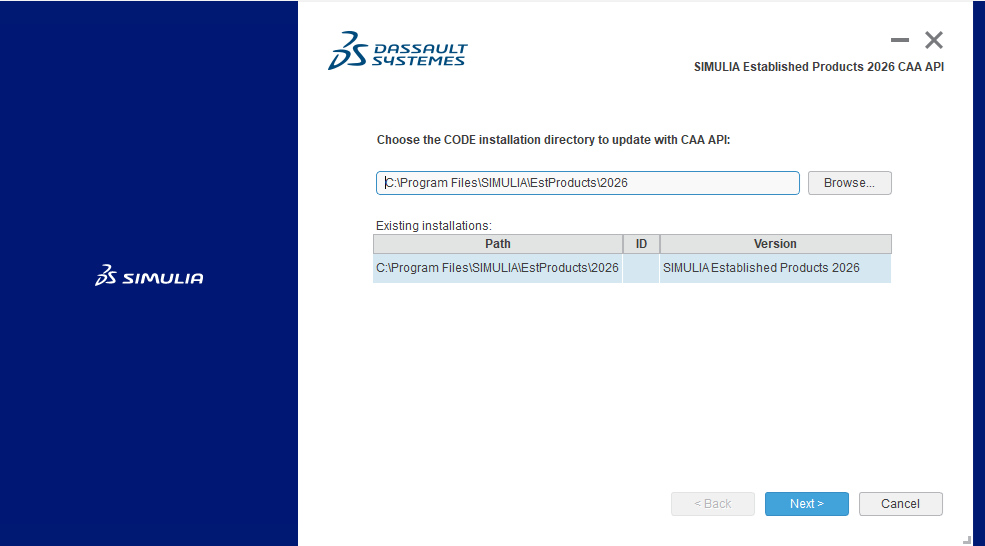
Click "Next" for the installation of "CAA API".
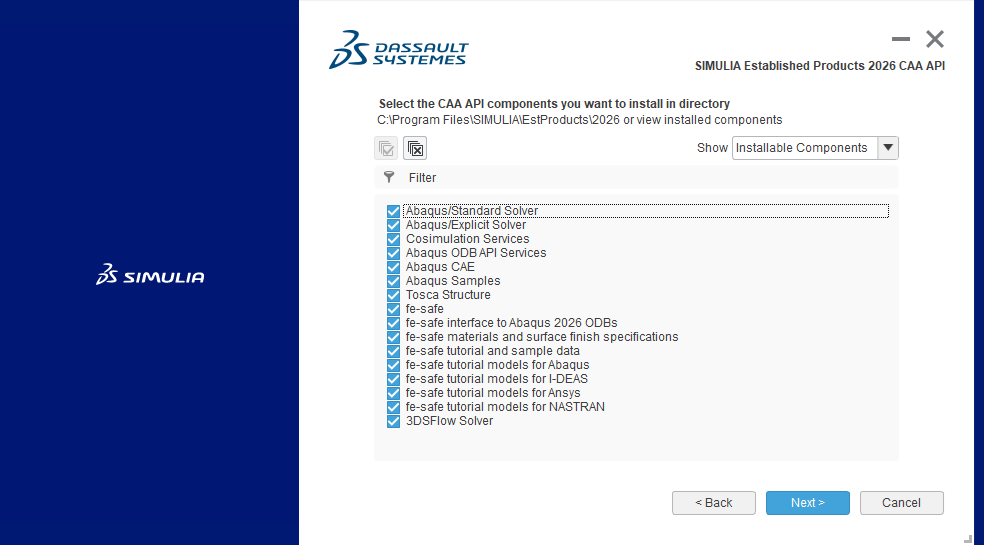
Select the required products and click "Next".
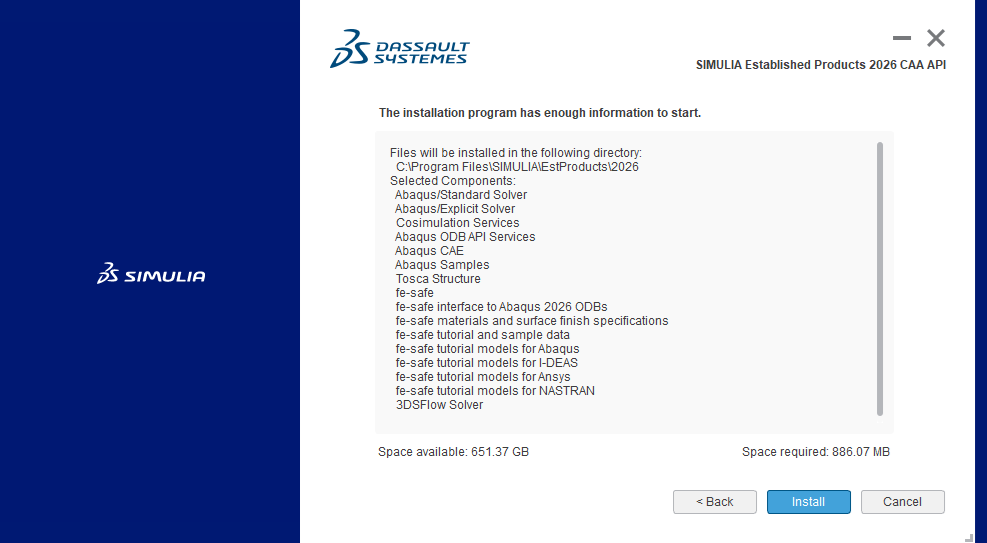
Click "Install".
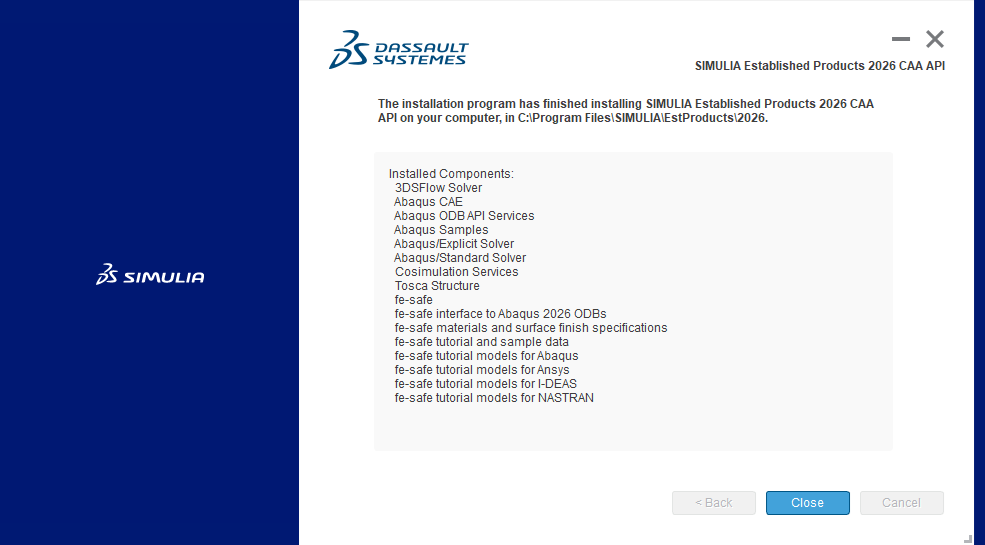
Click "Close".
Installation Complete!
Remember to verify your Environment Variables.
Remember to verify your Environment Variables.